Browser PDF text editor
Edit PDF text online — click, replace, download
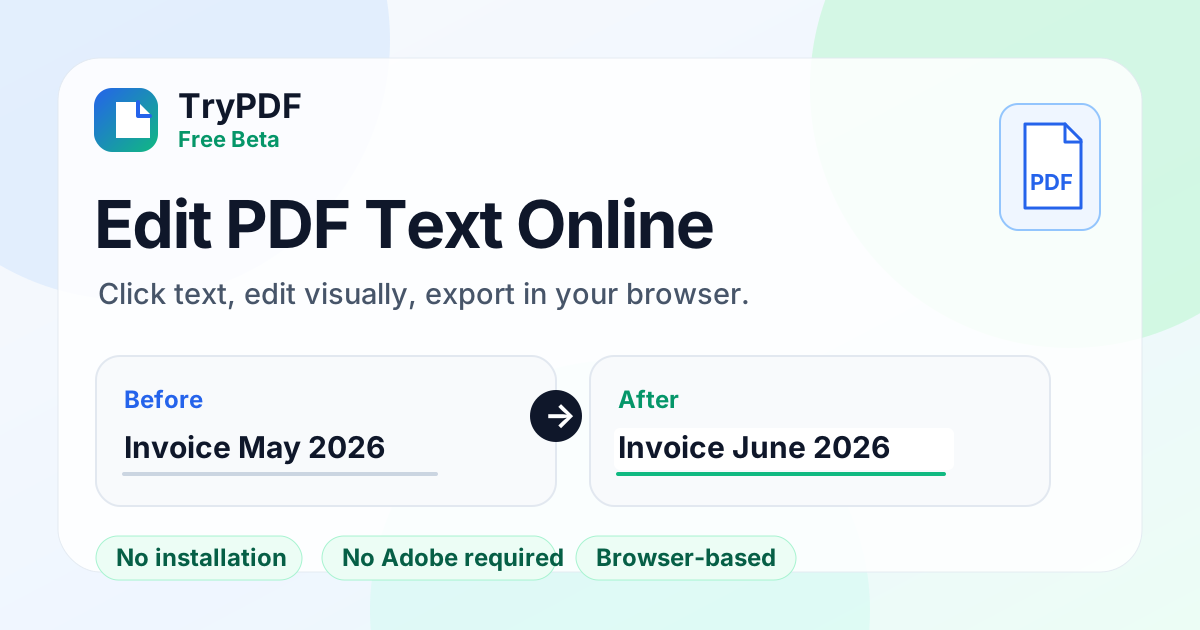
TryPDF is a free browser editor for digital PDFs with selectable text. Use it to change a name, date, or typo before you send the file — without Adobe and without installing software.
How to edit PDF text online
1
Upload a digital PDF
Choose a PDF with selectable text. Scanned or image-only files are not supported yet.
2
Click the text to change
Select the words on the page, type the replacement, and preview it in place.
3
Download the edited PDF
Export runs in your browser. Old text is covered and new text is drawn on top — review the file before you send it.
Best for short text fixes
Names and dates
Change a name, ID, or date on a letter, form, or digital PDF slip.
Typos before you send
Fix a misspelling without opening Adobe Acrobat.
Shared or locked-down PCs
Edit in the browser when you cannot install desktop PDF software.
No installation
Run the editor in your browser without desktop PDF software.
No Adobe required
Make short visual text replacements without a full desktop editor.
Click and edit directly
Select text on the page, type the replacement, and preview the result.
Free while in beta
Try it free. Review the download — fonts and alignment are approximate.
Beta limitations
- This is a beta for short text replacements.
- No OCR: scanned or image-only PDFs are not supported.
- Not a full Adobe-style editor: no paragraph reflow or complex layout editing.
- Old text is visually covered, not securely redacted.
- Exported fonts are approximate; embedded original fonts are not preserved.
Related PDF tools
Frequently asked questions
Can I edit PDF text without Adobe?
Yes. For digital PDFs with selectable text, click the words, type a short replacement, and download the file in your browser.
Can I edit PDF text online without installing software?
Yes. Preview, editing, and export all run in the browser.
Does this work with scanned PDFs?
No. The beta does not include OCR, so scanned or image-only PDFs are not supported.
Is the editor free?
Yes. The PDF text editor is free during the beta period.
Is this a full PDF editor?
No. V1 is for short visual replacements on digital PDFs. It does not reflow paragraphs, run OCR, or keep the original embedded font.