Browser PDF text editor
Edit PDF text online — click, replace, download
TryPDF is a free browser editor for digital PDFs with selectable text. Use it to fix a typo or a misspelled name in your own document before you send it, without Adobe. Your PDF is opened and edited on your device and never uploaded to TryPDF servers.
Your PDF never leaves your browser: preview, editing, and export all run on your device.
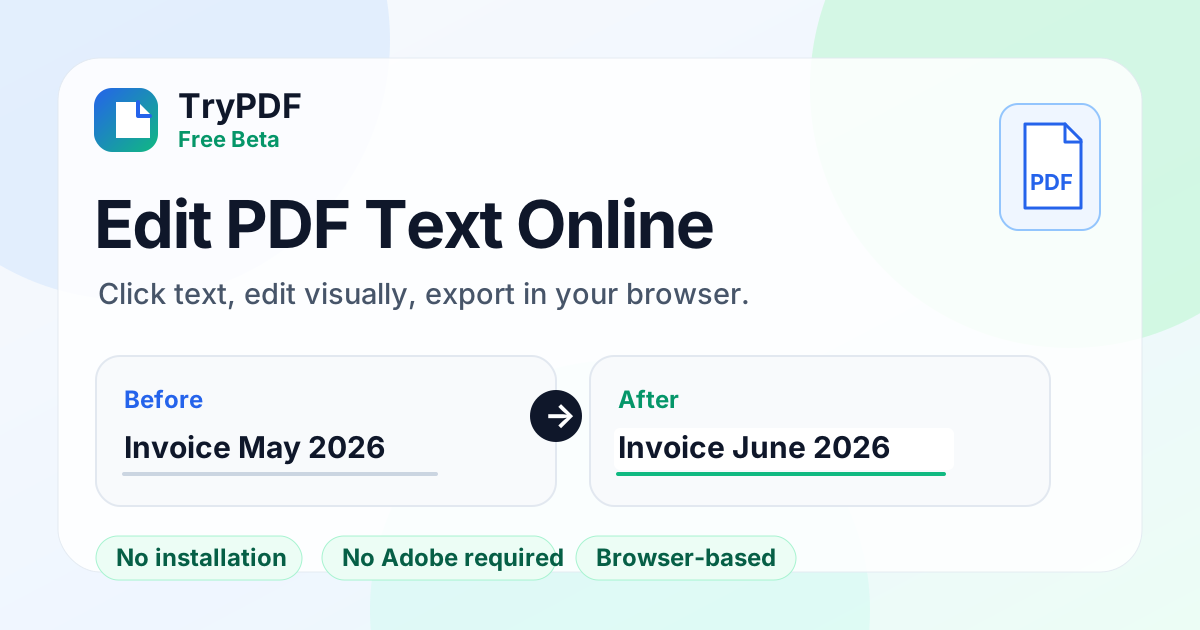
How to edit PDF text online
1
Upload a digital PDF
Choose a PDF with selectable text. Scanned or image-only files are not supported yet.
2
Click the text to change
Select the words on the page, type the replacement, and preview it in place.
3
Download the edited PDF
Export runs in your browser. Old text is covered and new text is drawn on top, but the old text can still be found or copied in the file — review it before you send it.
Best for short text fixes
Misspelled names
Fix a misspelled name or missing accent on a letter, report, or form you wrote yourself.
Typos before you send
Fix a misspelling without opening Adobe Acrobat.
Shared or locked-down PCs
Edit in the browser when you cannot install desktop PDF software.
No installation
Run the editor in your browser without desktop PDF software.
No Adobe required
Make short visual text replacements without a full desktop editor.
Click and edit directly
Select text on the page, type the replacement, and preview the result.
Free, no account
Use it as often as you like. The new text uses a close match for the original font (serif or sans), so review the file before you send it.
Good to know
- Best for short fixes on single lines; it does not rewrite whole paragraphs.
- Scanned or image-only PDFs cannot be edited (to get tables out of a scan, use the scanned PDF to Excel tool).
- Signed PDFs lose their signature when edited, and text inside fillable form fields cannot be edited here.
- Not a full Adobe-style editor: no paragraph reflow or complex layout editing.
- Old text is visually covered, not securely redacted: it can still be found, selected, or copied in the exported file.
- Only use it on documents you wrote or are allowed to change. Do not use it to alter other people's records, receipts, invoices, or statements.
- New text uses a Noto font close to the original; the embedded original font is not reused.
Related PDF tools
Frequently asked questions
Can I edit PDF text without Adobe?
Yes. For digital PDFs with selectable text, click the words, type a short replacement, and download the file in your browser.
Can I edit PDF text online without installing software?
Yes. Preview, editing, and export all run in the browser.
Is my PDF uploaded to a server?
No. The file is opened, edited, and exported in your browser. The browser only downloads the PDF libraries and fonts from a CDN; the file's contents are never sent anywhere.
Is the old text removed from the file?
No. It is covered with an overlay, so it can still be found, selected, or copied in the exported PDF. Do not use this tool to remove confidential information.
Does this work with scanned PDFs?
No. The editor works on PDFs with selectable text. To get tables out of a scan, use TryPDF's scanned PDF to Excel tool, which reads scans with OCR.
Is the editor free?
Yes. It is free, needs no account, and has no usage limit.
Is this a full PDF editor?
No. It is for short text replacements on PDFs with selectable text. It does not reflow paragraphs, edit scans, or reuse the original embedded font.
Can I use it to change invoices, receipts, or statements?
Only edit documents you wrote or are allowed to change. Altering someone else's records, receipts, invoices, statements, or official documents and passing them off as originals may be illegal and is prohibited by TryPDF's Terms of Service.