Hospital billing PDF to Excel
Convert hospital billing PDFs into reviewable Excel workbooks
Use TryPDF for treatment-cost details, hospital billing statements, and medical service tables that need filtering, reconciliation, or manual review in Excel.
Built for private business documents
- Async conversion keeps large PDF processing out of the browser request.
- Source PDFs and Excel outputs are cleaned up automatically by retention jobs.
- The public page shows simple review guidance; detailed telemetry stays internal.
Real extraction previews
Corpus-backed PDF to Excel examples
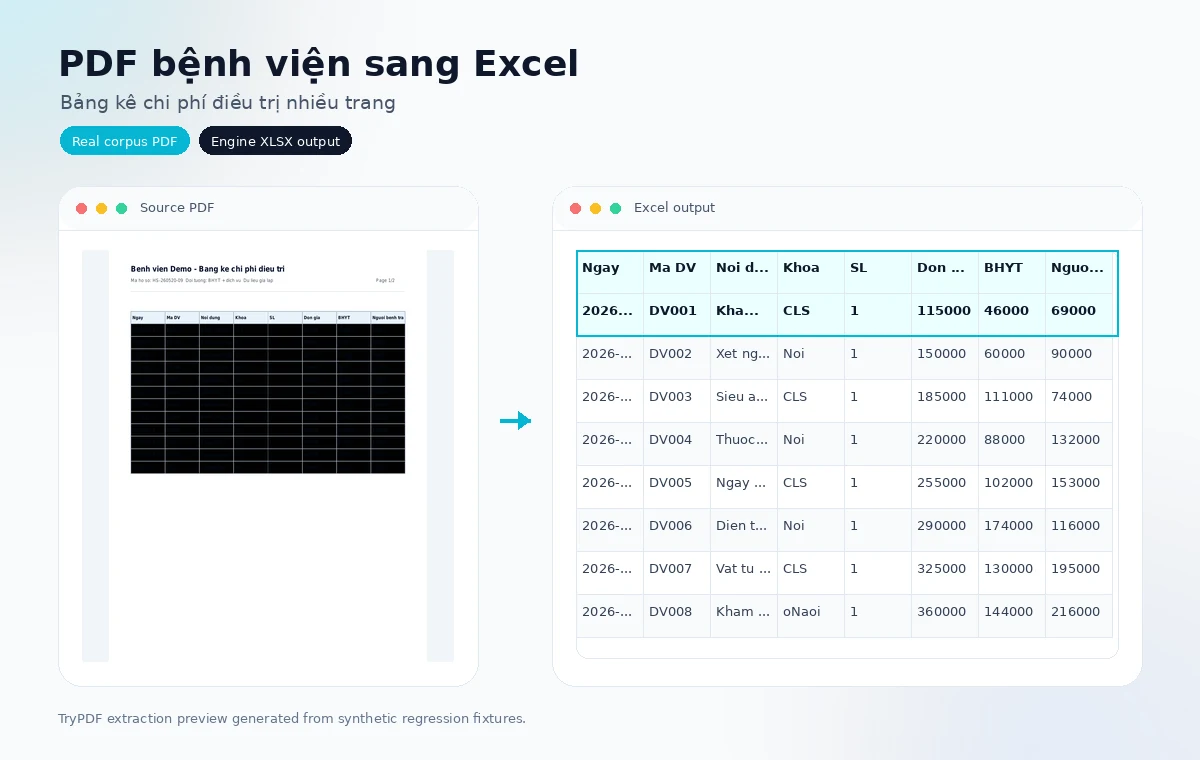
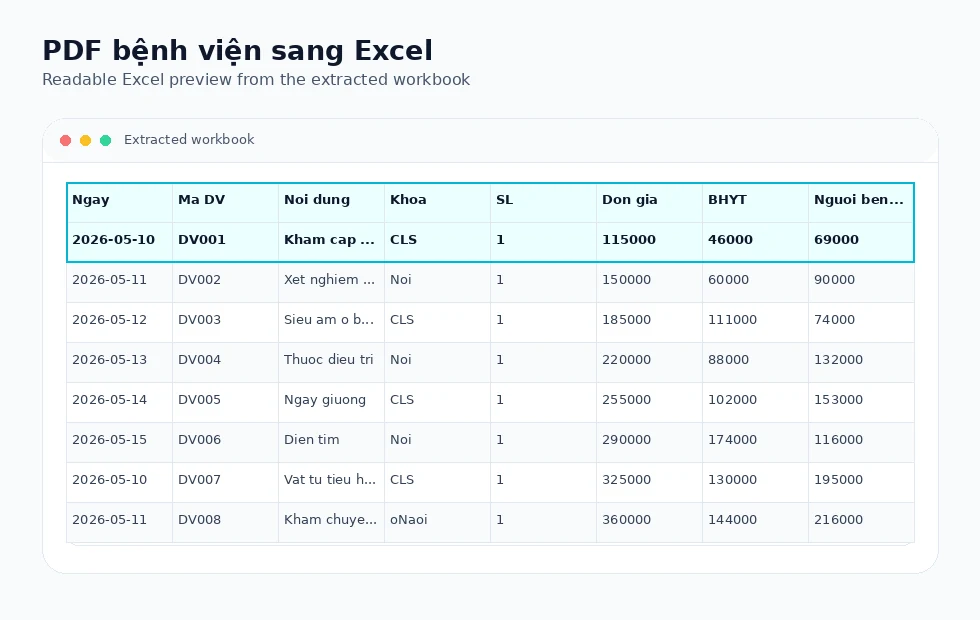
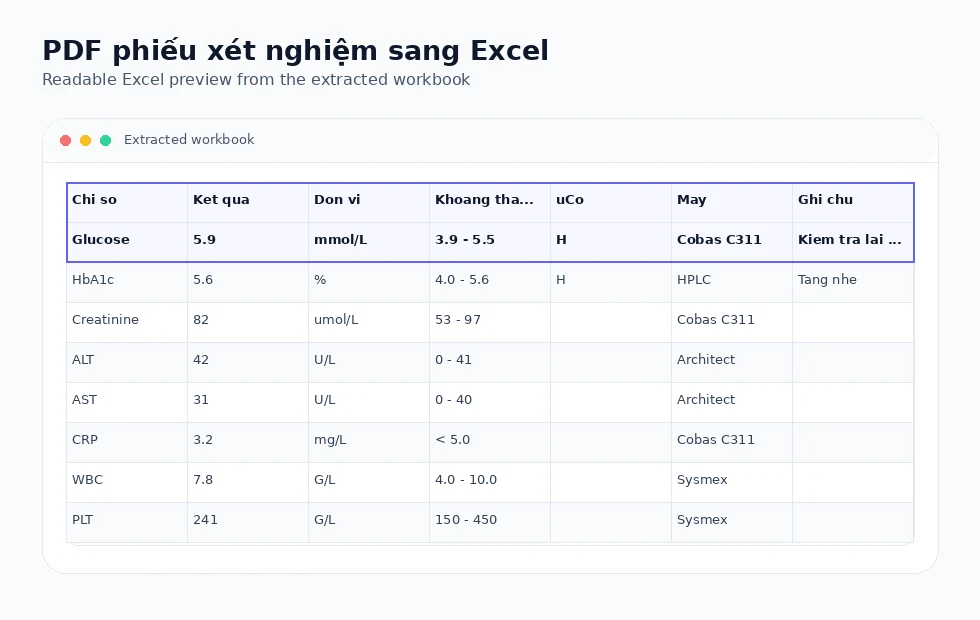
These visuals use synthetic regression PDFs and the actual Excel outputs produced by the TryPDF extraction engine.
Billing PDF to Excel
Service, department, quantity, price, insurance, and patient-due columns become editable spreadsheet cells.
Subtotals and totals
Grouped rows, subtotals, and grand totals are preserved when they appear in a clear table structure.
Fast, no login required
The converter runs in the background and does not require account signup.
Extraction technology
How hospital billing extraction works
Hospital billing tables are handled as structured reports with numeric columns, grouped rows, merged headers, and sometimes repeated page headers.
Numeric alignment
Price, insurance, and patient-due columns remain aligned when the PDF row structure is clear.
Grouped billing rows
Subtotal and total rows are kept as visible rows for review.
Multi-page cleanup
Repeated continuation headers are removed when they clearly duplicate earlier structure.
Complex layout support
Merged cells, grouped headers, and landscape reports use the same deterministic extraction engine.
Supported layout families
Built for real PDF table structures
TryPDF is designed around common table layouts seen in school, clinic, hospital, and office PDF reports.
Grouped headers
Parent and child header rows can be preserved when the PDF exposes reliable table geometry.
Landscape reports
Wide exports with many columns are handled without asking users to choose a special mode.
Merged cells
Trusted merged title, header, and section cells are kept while suspicious body merges are treated carefully.
Multi-page tables
Repeated continuation headers can be cleaned when they clearly duplicate the first table.
Common use cases
Useful for education, healthcare, and admin teams
These landing pages focus on practical PDF-to-Excel workflows instead of generic file-conversion claims.
Schools
Convert score tables, student lists, attendance sheets, and exam reports into editable Excel files.
Clinics
Review patient lists, lab result tables, and operational reports when the PDF is text-based.
Hospitals
Work with billing details, service tables, and multi-page healthcare admin exports.
Office teams
Turn landscape reports, grouped tables, and recurring admin PDFs into structured spreadsheets.
Supported examples
- Text-based hospital billing statements
- Service, department, unit price, insurance, and patient due columns
- Multi-page billing details with repeated headers
- Subtotal, total, and grouped service rows
Limitations to know
- Scanned invoices or image-only PDFs require OCR, which is not enabled yet.
- Dense billing reports may require manual review after download.
- Always reconcile amounts against the original document.
Related workflows
Explore connected PDF-to-Excel use cases
Compare nearby conversion workflows when your document mixes invoices, statements, reports, or operational tables.
Convert hospital billing to Excel
Upload a text-based hospital billing PDF and download an editable Excel workbook for review.
Convert a hospital billing PDFFrequently asked questions
Can insurance and patient-due columns be preserved?
Yes, when those columns are present in a clear text-based table.
Can multi-page billing statements be handled?
Yes, repeated continuation headers can be cleaned when duplicates are clear.
Does TryPDF use OCR for scanned bills?
Not yet. Scanned/image-only PDFs fail cleanly instead of returning guessed rows.